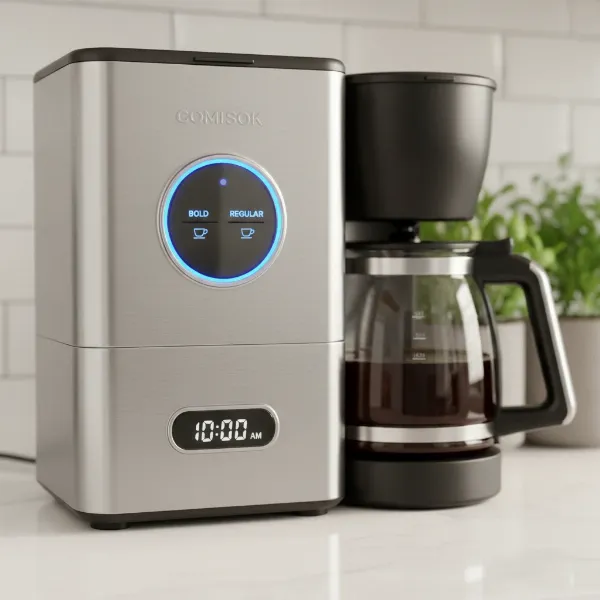
Waking up to the promise of a fresh, aromatic cup of coffee, only to find your coffee maker stubbornly refusing to brew, can be a frustrating start to any day. Before you consider replacing your beloved appliance, many common issues preventing your coffee maker from brewing can be resolved with a bit of troubleshooting. This comprehensive guide will walk you through identifying and fixing the most frequent problems, helping you restore your morning ritual and get your machine back to its brewing best.
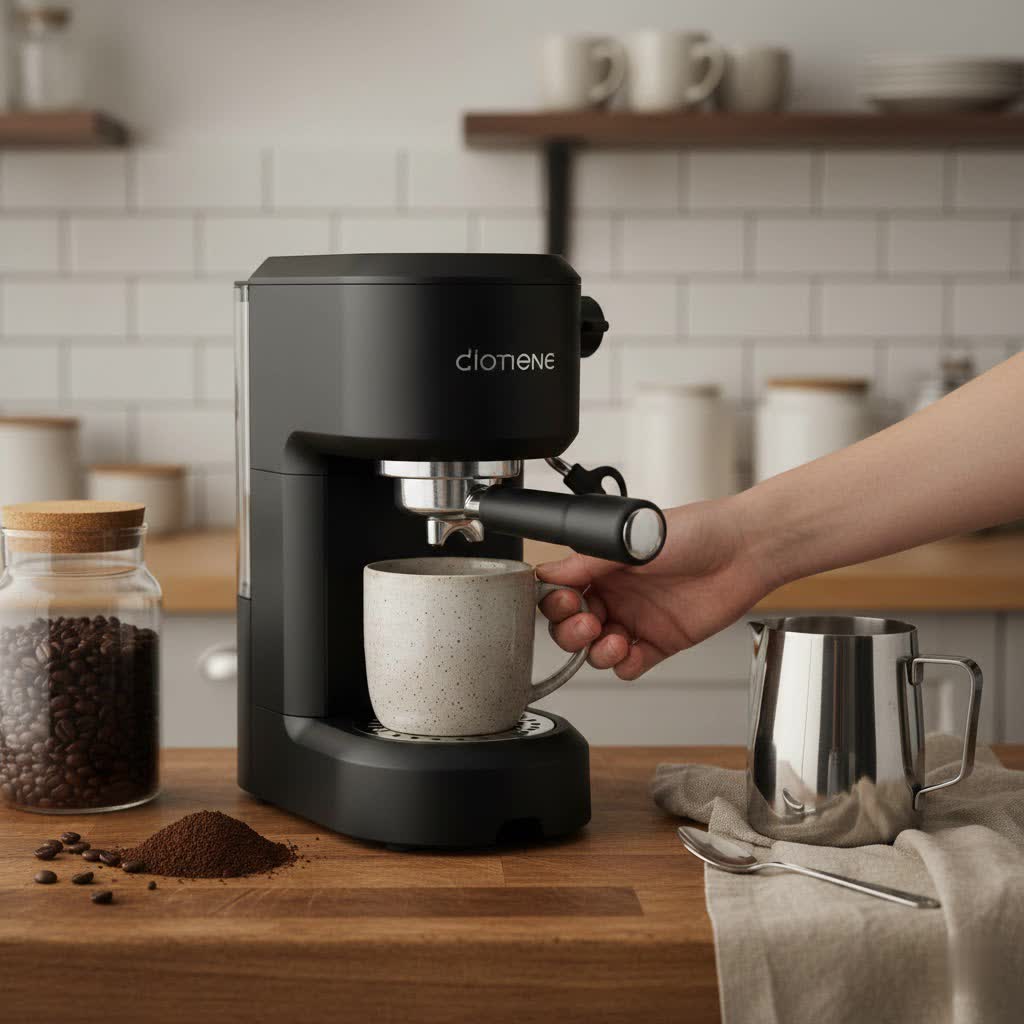
Understanding Why Your Coffee Maker Stops Brewing
A coffee maker’s refusal to brew can stem from a variety of issues, ranging from simple oversights to internal blockages or component failures. Understanding the potential culprits is the first step in diagnosing and resolving the problem. Whether it’s a lack of power, a clogged water pathway, or incorrect settings, a systematic approach to troubleshooting can often pinpoint the exact cause, saving you time and the expense of professional repair or premature replacement. Many issues boil down to maintenance, highlighting the importance of regular care for your machine’s longevity.
Preliminary Checks: The First Steps
Before diving into complex diagnostics, always start with a few basic checks. These simple steps often resolve the problem quickly.
- Power Source: Ensure your coffee maker is properly plugged into a functional electrical outlet. A loose cord or a tripped circuit breaker can prevent the machine from turning on. Check if the power switch is in the “on” position. Sometimes, the issue is as simple as a power interruption.
- Water Reservoir: Confirm that the water reservoir is adequately filled. Many coffee makers have sensors that prevent brewing if the water level is too low or if the reservoir is not seated correctly. Remove and re-seat it firmly to ensure proper connection.
- Coffee Grounds and Filter: Verify that the coffee grounds are not overflowing the filter basket and that the filter is correctly placed. Overfilling can lead to clogs and prevent water from flowing through. Also, ensure the brew basket itself is free of old grounds or blockages.
- Machine Settings: Modern coffee makers often have various settings, such as brew size, strength, or an “auto-on” timer. Ensure these settings are configured correctly for your desired brew. A “1-4 cup” setting engaged when trying to brew a full pot can lead to a short brew. If an “Auto-On” feature is active, the machine might not brew manually until the preset time has passed, requiring you to override it by pressing the “ON” button.
Common Causes and Solutions for No Brew
Once the preliminary checks are done, if your coffee maker still isn’t brewing, it’s time to investigate deeper into more specific issues.
No Power or Machine Won’t Turn On
|
Our Picks for the Best Coffee maker in 2026
As an Amazon Associate I earn from qualifying purchases.
|
||
| Num | Product | Action |
|---|---|---|
| 1 | Elite Gourmet EHC4128 Automatic 4-Cup Brew & Drip Coffee Maker with Pause N Serve, Glass Carafe, Reusable Filter, On/Off Switch, Keep Warm, Water Level Indicator, Black |

|
| 2 | Keurig K-Mini Single Serve K-Cup Pod Coffee Maker, 6 to 12oz Brew size, with Cord Storage, Perfect for Small Spaces, Black |
|
| 3 | Mr. Coffee Black Coffee Maker, 12 Cups, with Auto Pause and Glass Carafe, Perfect for Home and Office Use |
|
| 4 | Mr. Coffee® 5-Cup Mini Brew Switch Coffee Maker, Black |
|
| 5 | Hamilton Beach 2-Way Programmable Coffee Maker, 12 Cup Glass Carafe And Single Serve Coffee Maker, Black with Stainless Steel Accents, 49980RG |
|
| 6 | BLACK+DECKER 12-Cup Digital Coffee Maker, Programmable, Washable Basket Filter, Sneak-A-Cup, Auto Brew, Water Window, Keep Hot Plate, Black |
|
| 7 | Cuisinart 12 Cup Brew Central Maker Coffee Maker, Black Stainless Steel, DCC-1200BKSNAS |
|
| 8 | Cuisinart 14-Cup Coffee Maker, Programmable PerfecTemp Glass Carafe Coffee Machine with 1-4 Cup Setting, Brew Strength Control and Pause, Stainless Steel, DCC-3200NAS |
|
| 9 | Amazon Basics 5 Cup Drip Coffee Maker with Glass Coffee Pot (0.8 Qt), Auto Shut-off, Auto Pause, Removable Filter Basket, Matte Black |
|
| 10 | Ninja 12-Cup Programmable Coffee Brewer, 2 Brew Styles, Adjustable Warm Plate, 60oz Water Reservoir, Delay Brew - Black/Stainless Steel |
|
If your coffee maker remains lifeless, beyond checking the power cord and circuit breaker, a power cycle can often resolve minor electrical glitches.
To perform a power cycle:
- Unplug the coffee maker from the outlet.
- If applicable, remove the water reservoir.
- Wait at least 10 minutes.
- Plug the machine back in (with the reservoir still off, if applicable).
- Press the power button. If an “add water” indicator appears, re-attach the reservoir.
Water Not Pumping or Flowing
This is a very common issue, often due to blockages or internal component problems.
- Clogged Water Lines or Filters: Mineral deposits (limescale) are the primary culprits here. Over time, hard water can leave behind calcification in the internal water lines, water filter, or even the water tank’s valve.
- Solution: Descaling is crucial. Use a commercial descaling solution or a mixture of equal parts white vinegar and water. Run this solution through the brew cycle (without coffee), then follow with several cycles of clean water to rinse thoroughly. If your machine has a removable water filter, inspect it for blockage and clean or replace it as needed.
- Limescale in Flowmeter, Pump, or Heating Element: Internal components like the flowmeter (which measures water volume), the pump (which circulates water), or the heating element can become furred up with limescale. A defective pump might produce a muffled sound and only dispense drops of water.
- Solution: Regular descaling can prevent this. If the problem persists after descaling, these components might be defective and require replacement, which often necessitates professional help.
- Obstructed Safety or Solenoid Valve: These valves regulate water pressure and flow. If clogged with limescale, they can prevent water circulation.
- Solution: Again, descaling is the first line of defense. If the issue remains, replacement of the valve might be necessary.
Brewing Only a Partial Cup or Weak Coffee
When your coffee maker starts, but only delivers a trickle or a weak brew, consider these factors:
- “1-4 Cup” Feature: Many machines have a setting for smaller brew sizes. If this feature is accidentally engaged when you intend to brew a full pot, it will result in a partial brew.
- Improper Grind Size: For some coffee makers, especially espresso machines, an overly fine grind can restrict water flow, leading to weak or short extraction.
- Low Brewing Temperature: If the heating element is heavily calcified, it might not heat the water sufficiently, impacting extraction.
- Residue in Brew Basket/Dispensing Nozzle: Old coffee grounds or oils can build up and partially clog the small holes in the brew basket or the dispensing nozzle, impeding the flow.
- Solution: Clean the brew basket thoroughly. Run a cycle with just water to flush the system. Descale the machine if you suspect mineral buildup affecting water heating or flow.
Error Messages on Display
If your coffee maker displays an error code, this usually indicates a specific issue.
- Solution: Always consult your coffee maker’s user manual. The manual will provide a list of error codes and their corresponding troubleshooting steps. If you’ve misplaced your manual, check the manufacturer’s website for a digital version.
Advanced Troubleshooting and When to Seek Professional Help
For persistent clogs or suspected internal component failures, you might need to go beyond basic cleaning.
Some enthusiasts attempt to clear stubborn clogs by forcefully spraying water into the machine’s “fill area” (always unplugged and cooled down) to dislodge blockages in the pipes leading to the heating element. Others may feel comfortable disassembling parts of the machine to access and clean internal filters or hoses, though this requires specific tools (like security Torx bits for some models) and a good understanding of appliance repair.
“A common mistake people make is overlooking the simple, cumulative effect of hard water on their coffee maker’s performance. Regular descaling isn’t just a recommendation; it’s essential maintenance.” – Dr. Eleanor Vance, Coffee Appliance Expert
However, for issues involving defective pumps, solenoid valves, or heating elements, or if you’re uncomfortable with internal repairs, it’s best to seek assistance from a qualified technician or the manufacturer’s customer support. Attempting complex repairs without expertise can void warranties, cause further damage, or even pose safety risks.
Preventive Maintenance for a Reliable Coffee Maker
Preventing problems is always better than fixing them. A consistent maintenance routine will significantly extend your coffee maker’s lifespan and ensure consistently great coffee.
- Regular Cleaning: After each use, empty and rinse the brew basket, carafe, and water reservoir. Weekly, clean all removable parts with a mild detergent and warm water to remove coffee residue and oils.
- Descaling the Machine: This is perhaps the most critical maintenance task, especially in areas with hard water. Descale your coffee maker every 1-3 months, or as recommended by the manufacturer. Follow the instructions for your chosen descaling solution, which could be a specialized product or white vinegar.
- Use Filtered Water: Using filtered or distilled water significantly reduces mineral buildup, lessening the frequency required for descaling and protecting internal components from calcification.
- Proper Storage of Coffee Beans: Store coffee beans in an airtight container in a cool, dark place to maintain freshness. Stale or improperly stored beans can produce excessive fines that contribute to clogs.
- Firmware Updates (if applicable): For smart or advanced coffee makers, check the manufacturer’s website for firmware updates. These can sometimes resolve known bugs or improve performance.
Buying Guide: Investing in a Reliable Coffee Maker
When selecting a new coffee maker, consider how its design and features will impact its long-term reliability and ease of maintenance. A well-chosen machine can minimize future troubleshooting.
Assess Your Needs
Consider the type of coffee you prefer (drip, espresso, single-serve), your daily consumption, and any specific features like grinders or milk frothers. Simpler machines often have fewer points of failure.
Budget Considerations
While tempting, extremely cheap coffee makers might use lower-quality components prone to quicker wear and tear or limescale buildup. Investing a bit more in a reputable brand with good reviews for durability can save you money on repairs or replacements in the long run.
Researching Models
Read user reviews, especially those that mention longevity, ease of cleaning, and common issues. Look for brands known for robust construction and accessible parts.
Importance of User Manuals
Even before purchase, check if the manufacturer provides clear user manuals and troubleshooting guides online. This indicates a commitment to customer support and can be invaluable down the line.
Tips for Using and Maintaining Your Coffee Maker
Beyond fixing immediate problems, adopting good habits ensures your coffee maker performs optimally day after day.
Daily Cleaning Rituals
A quick rinse of the carafe and brew basket after each use prevents coffee oils from hardening and becoming difficult to remove. Wipe down the exterior to keep it looking new.
Descaling Best Practices
Don’t wait for your machine to stop brewing entirely before descaling. Set a reminder to descale proactively based on your water hardness and usage frequency. This keeps internal pathways clear and efficient.
Water Quality Matters
The quality of water directly impacts your coffee maker. Hard water leads to mineral buildup, which can choke heating elements and pumps. Using filtered water is a simple yet effective preventative measure.
Troubleshooting Minor Glitches
If your machine is making unusual noises or brewing slower than usual, address these minor glitches promptly. Often, they are early signs of a developing blockage that can be resolved with a thorough cleaning or descaling before it escalates into a full brewing failure.
Conclusion
A coffee maker that won’t brew doesn’t necessarily signal the end of its life. By systematically checking common issues, performing regular maintenance, and understanding when to seek professional help, you can often bring your machine back to perfect working order. From simple power checks to thorough descaling, a proactive approach ensures your coffee maker remains a reliable source of delicious coffee. With consistent care, you’ll continue to enjoy that perfect cup, day after day. What steps will you take today to ensure your coffee maker is always ready to brew?
Frequently Asked Questions
Why is my coffee maker making noise but not brewing?
If your coffee maker is making noise but no water is coming out, it often indicates a blockage in the water line or a struggling pump. Limescale buildup or coffee grounds can obstruct the water flow, causing the pump to work harder without successfully pushing water through. Descaling the machine is usually the first step to resolve this issue.
How often should I descale my coffee maker?
The frequency of descaling depends on your water hardness and how often you use your coffee maker. Generally, it’s recommended to descale every one to three months. If you live in an area with very hard water or use your machine daily, more frequent descaling might be necessary to prevent mineral buildup.
Can a dirty coffee filter cause brewing problems?
Yes, a dirty or clogged coffee filter, or a brew basket laden with old coffee grounds, can significantly impede water flow. This can lead to slow brewing, a partial cup, or even prevent brewing altogether as water struggles to pass through the packed or blocked filter. Regular cleaning is essential.
What does it mean if my coffee maker keeps turning off?
A coffee maker that repeatedly turns off might indicate an issue with its power supply, internal wiring, or a safety sensor. It could be a tripped internal thermostat due to overheating from excessive mineral buildup. Check the power cord and outlet, and consider descaling, but if the problem persists, professional inspection might be needed.
Is it safe to try to fix my coffee maker myself?
For basic issues like cleaning, descaling, or checking power connections, troubleshooting yourself is generally safe. However, for internal component issues like a faulty pump or electrical problems, it’s safer to consult a qualified technician. Attempting complex repairs without expertise can be dangerous and may void your warranty.