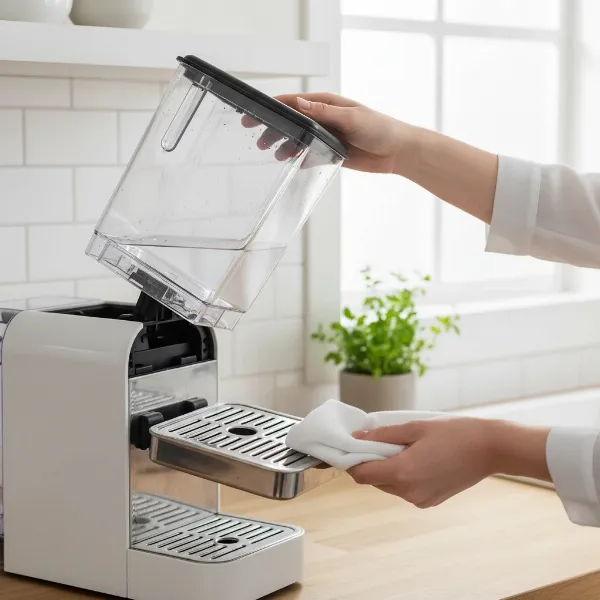
Do your mornings often feel like a frantic race against the clock, leaving you craving that first sip of coffee but without the time to actually make it? You’re not alone. Many of us grapple with the morning scramble, and the thought of fumbling with filters and waiting for a machine to heat up can add unwelcome stress to an already tight schedule. What if you could wake up to the inviting aroma of freshly brewed coffee, perfectly prepared, without lifting a finger?
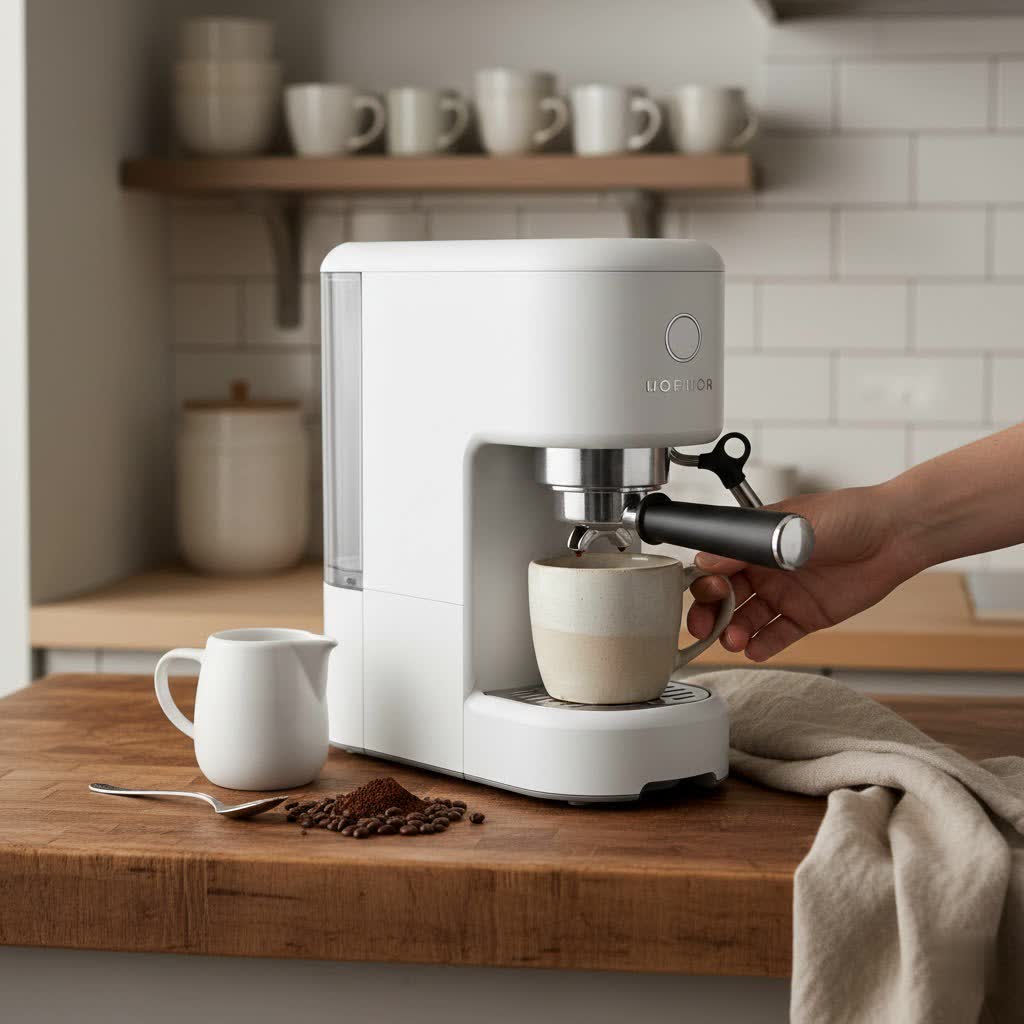
Programming your coffee maker is the simplest, yet most impactful, step you can take to reclaim precious minutes and transform your morning experience. This guide will walk you through everything from understanding the benefits of automation to setting up advanced smart routines, ensuring your coffee is always ready when you are.
Understanding the Morning Coffee Challenge
The struggle to get out the door on time, manage family needs, and tackle an overflowing inbox before the day even truly begins is a universal experience. In this whirlwind, preparing coffee can easily feel like another chore, consuming valuable time and mental energy.
Busy mornings often present several problems that a programmed coffee maker can solve. There’s the time drain, where a “quick cup” can actually take 15-20 minutes between prep, brewing, and cleanup. Then there’s decision fatigue, where your still-foggy brain has to decide on brew strength or water level, adding unnecessary mental load. Inconsistent coffee quality is another common issue when rushing, leading to a less-than-satisfying start to the day. For those juggling multiple tasks, multi-tasking chaos means your coffee prep competes with getting kids ready or feeding pets. Finally, rushing can lead to energy inefficiency and waste, such as overfilling water, reheating old coffee, or leaving machines running longer than necessary.
The Power of a Programmed Coffee Maker
A programmable coffee maker, at its core, is designed for convenience. It allows you to preset the time you want your coffee to start brewing, so it’s ready precisely when you need it. While basic models simply offer a delay-brew timer, modern iterations integrate with smart home ecosystems, offering unprecedented control and flexibility.
The evolution of these machines mirrors our growing need for efficiency. From the first drip coffee makers with simple analogue timers to today’s Wi-Fi enabled appliances, the goal remains the same: to deliver a perfect cup of coffee with minimal effort. The benefits are clear: unmatched convenience, ensuring your coffee is brewed without manual intervention; consistency, as your preferred settings are automatically replicated every time; significant time-saving, by having coffee ready upon waking; and improved energy efficiency, as machines only operate when needed.
Types of Programmable Coffee Makers
The world of programmable coffee makers is diverse, offering options for every budget and tech preference. Understanding the different types helps you choose the best fit for your lifestyle.
Traditional Drip Coffee Makers with Timers
These are the most common and accessible programmable coffee makers. They feature a built-in digital clock and a “delay brew” or “program” function. You simply add water and ground coffee the night before, set the desired brew time, and wake up to a fresh pot.
- Pros: Simplicity and affordability are their greatest strengths. They are easy to use and maintain, making them a great entry point into automated coffee.
- Cons: Their features are limited. You typically only get a single scheduled start time and lack the flexibility of app control or advanced customization.
|
Our Picks for the Best Coffee maker in 2026
As an Amazon Associate I earn from qualifying purchases.
|
||
| Num | Product | Action |
|---|---|---|
| 1 | Cuisinart 12 Cup Brew Central Maker Coffee Maker, Black Stainless Steel, DCC-1200BKSNAS |

|
| 2 | Keurig K-Mini Single Serve K-Cup Pod Coffee Maker, 6 to 12oz Brew size, with Cord Storage, Perfect for Small Spaces, Black |
|
| 3 | BLACK+DECKER 12-Cup Digital Coffee Maker, Programmable, Washable Basket Filter, Sneak-A-Cup, Auto Brew, Water Window, Keep Hot Plate, Black |
|
| 4 | Mr. Coffee® 5-Cup Mini Brew Switch Coffee Maker, Black |
|
| 5 | Amazon Basics 5 Cup Drip Coffee Maker with Glass Coffee Pot (0.8 Qt), Auto Shut-off, Auto Pause, Removable Filter Basket, Matte Black |
|
| 6 | Hamilton Beach 2-Way Programmable Coffee Maker, 12 Cup Glass Carafe And Single Serve Coffee Maker, Black with Stainless Steel Accents, 49980RG |
|
| 7 | Cuisinart 14-Cup Coffee Maker, Programmable PerfecTemp Glass Carafe Coffee Machine with 1-4 Cup Setting, Brew Strength Control and Pause, Stainless Steel, DCC-3200NAS |
|
| 8 | Ninja 12-Cup Programmable Coffee Brewer, 2 Brew Styles, Adjustable Warm Plate, 60oz Water Reservoir, Delay Brew - Black/Stainless Steel |
|
| 9 | Elite Gourmet EHC4128 Automatic 4-Cup Brew & Drip Coffee Maker with Pause N Serve, Glass Carafe, Reusable Filter, On/Off Switch, Keep Warm, Water Level Indicator, Black |
|
| 10 | Mr. Coffee Black Coffee Maker, 12 Cups, with Auto Pause and Glass Carafe, Perfect for Home and Office Use |
|
Smart/Wi-Fi Enabled Coffee Makers
Stepping up from traditional models, smart coffee makers connect to your home Wi-Fi network, allowing control via smartphone apps, voice assistants (like Alexa or Google Assistant), and integration with other smart home devices.
- Features: These machines often boast features like remote brewing, customizable brew strength and temperature, personalized “morning profiles,” and smart notifications for low water or descaling needs.
- Pros: They offer unparalleled convenience and flexibility. You can start your coffee from bed, integrate it into complex morning routines, and receive helpful alerts.
- Cons: They tend to be more expensive and might have a steeper learning curve for setup and smart home integration.
Making a “Dumb” Coffee Maker Smart (with smart plugs)
Don’t want to buy a new coffee maker? If your current drip coffee maker has a simple mechanical on/off switch that stays in the “on” position when power is cut and restored, you can “smart-enable” it with a smart plug.
- How it works: Plug your coffee maker into a smart plug, then plug the smart plug into the wall. Leave the coffee maker’s physical switch in the “on” position. You can then use the smart plug’s app or integrate it with a smart home assistant to schedule on/off times, effectively programming your coffee maker.
- Pros: This is a highly affordable and flexible solution, allowing you to automate a beloved machine without replacement.
- Cons: It requires more intricate setup logic within your smart home hub for advanced scenarios, and you lose out on machine-specific smart features like low-water notifications.
The 5-Pillar Framework for Your Automated Coffee Routine
A truly seamless morning coffee experience isn’t just about the machine; it’s about a well-thought-out system. The “10-Minute Smart Coffee Setup” framework highlights five crucial pillars to achieve this.
Pillar 1: Choose an Automation-Friendly Brewer
Whether new or old, your coffee maker needs to play well with automation. For smart systems, look for devices with fast heat-up times, strong Wi-Fi or Matter compatibility, and consistent brew presets. If using a smart plug, ensure your traditional machine’s switch can remain “on” for remote power cycling.
Pillar 2: Prep Ingredients the Night Before
The most automated machine is useless if you’re fumbling for coffee or filters in the morning fog. Adopt a “mise en place” approach:
- Dedicated “Coffee Grab Station”: Keep all essentials (beans, grinder, filters, mugs) in one accessible spot.
- Airtight Storage: Store grounds or beans in airtight containers to maintain freshness.
- Pre-measured Canisters or Pods: Pre-measure your coffee grounds the night before or have your pods ready.
Pillar 3: Set Smart Automation Triggers
The magic happens when your coffee starts without you pressing a button.
- Scheduled Routines: The simplest trigger, setting a specific time (e.g., 6:30 AM every weekday).
- Voice Commands: Integrate with Alexa or Google Assistant (“Alexa, start my morning brew”).
- Motion Sensors: Coffee can begin preheating when a motion sensor near your kitchen detects movement.
- Geofencing or Sunrise Triggers: For more advanced setups, coffee can start when your phone leaves your bedroom or when the sun rises.
Pillar 4: Integrate with Your Morning Workflow
Your coffee routine shouldn’t be an isolated event. It should sync with the rest of your morning. Imagine your bedroom lights gently fading on, your thermostat adjusting, and then your coffee machine beginning its brew cycle. This “stacked automation” links actions, making your morning flow effortlessly.
Pillar 5: Implement Quick Cleanup & Reset
A sustainable routine is an easy-to-reset routine. Dedicate less than 60 seconds each evening to:
- Rinsing: Quickly rinse the brew basket or pod holder.
- Refilling: Replenish the water reservoir.
- Disposing: Empty used grounds or pods.
- Wiping: Give the hot plate a quick wipe.
Smart machines can also send automated reminders for descaling or filter replacements, taking the guesswork out of maintenance.
Step-by-Step Guide: Programming Your Coffee Maker
Whether you have a basic programmable model or a smart, connected device, here’s how to set it up for a faster morning.
Initial Setup and Placement
First, choose a wise location for your coffee maker. It should be easily accessible, ideally in a low-traffic spot, and close to a power outlet. Ensure there’s enough clearance for water refills and that cable clutter is minimized. Give your device an intuitive name like “Morning Coffee” in your app, rather than “Coffee Maker 02,” for easier control.
Connecting to Your Smart Ecosystem (if applicable)
If you have a smart coffee maker or are using a smart plug:
- Download the App: Install the manufacturer’s app or your smart home assistant app (Alexa, Google Home, SmartThings).
- Power On: Plug in your device.
- Follow On-Screen Instructions: The app will guide you through connecting to your Wi-Fi network. Double-check Wi-Fi strength, app permissions, and any firmware updates.
Creating Your Brew Schedule
This is where you tell your coffee maker when to start brewing.
- Traditional Programmable: Look for a “Program,” “Auto,” or “Delay Brew” button. Press it, then use the hour and minute buttons to set your desired brew time. Most will require you to press “Program” again to confirm and activate. A small light or icon usually indicates the delay brew is active.
- Smart Coffee Maker/Smart Plug: Within your app, navigate to “Routines,” “Schedules,” or “Automation.” Set a specific time (e.g., 6:30 AM) for your coffee maker to turn on. For smart plugs, ensure your coffee maker’s physical switch is in the “on” position before going to bed.
Customizing Brew Preferences
For smart coffee makers, you can often go beyond just setting a time.
- App Presets: Use the companion app to adjust brew strength (e.g., bold, regular), temperature, and even cup size.
- Personalized Profiles: Some advanced machines allow you to create different profiles for weekdays, weekends, or specific preferences.
Testing and Adjusting Your Routine
After setting everything up, dedicate one morning to testing your routine. Observe if the coffee starts on time, if the brew is to your liking, and if any part of the process feels slow or cumbersome. Make adjustments to brew strength, heat-up cycles, water temperature, or notification timing as needed. A few tweaks can dramatically improve your morning flow.
Advanced Automation & Optimization
Once you’ve mastered the basics, consider these advanced techniques to supercharge your morning coffee routine.
Geofencing: Coffee on Your Command
Geofencing allows your coffee maker to respond to your physical location. For instance, you could set a trigger: “When my phone leaves my bedroom between 5 AM and 8 AM, start warming the machine.” This means your coffee begins brewing when you’re truly starting your day, not just at a fixed time. Apps like IFTTT (If This Then That) and SmartThings often handle geofencing integrations gracefully.
Preheating Mugs Automatically
For an extra touch of luxury, integrate a smart mug warmer into your routine. Program it to power on 5-10 minutes before your brew starts, ensuring your coffee stays at the perfect temperature for longer. It’s a small detail that makes a big difference, especially on colder mornings.
Multi-Step Morning Routines
This is where true smart home integration shines. You can create complex routines that orchestrate multiple devices:
- Waking Sequence: Your smart lights slowly brighten.
- Thermostat Adjustment: Your smart thermostat raises the temperature.
- Audio Cue: A soft “Good morning, coffee is on its way” message plays through your smart speaker.
- Coffee Brew: Your programmed coffee maker begins brewing.
- News Briefing: A news briefing or favorite playlist starts playing as your coffee finishes.
These multi-step routines ensure a holistic, smooth transition into your day, making your morning feel less like chaos and more like a carefully choreographed symphony.
Troubleshooting Common Coffee Maker Automation Issues
Even the most robust routines can hit a snag. Most issues with automated coffee makers are related to the programming or smart home ecosystem rather than the machine itself.
Coffee Maker Doesn’t Start
If your machine fails to start on schedule, first check your network.
- Wi-Fi Signal: Ensure strong Wi-Fi signal strength at the coffee maker’s location.
- Smart Plug/Hub Reboot: Verify that your smart plug or hub hasn’t rebooted, which can sometimes reset connections.
- Scheduled Routines: Confirm that your scheduled routines are still active, especially after firmware updates which can occasionally rename devices (e.g., “Coffee Maker” becomes “Coffee Maker 2”).
Low Water or Empty Bean Supply
This is a common “morning fail.”
- Smart Sensors/Alerts: If your smart machine has them, utilize low-water tank sensors or automatic “low beans” alerts.
- Evening Ritual: Make refilling water and grounds a consistent part of your evening routine, like brushing your teeth.
Brew Takes Too Long
A sluggish brew cycle typically indicates maintenance needs.
- Mineral Buildup: Limescale or mineral buildup is a common culprit. Regular descaling (every 1-3 months depending on water hardness) will usually resolve this.
- Old Filters: Ensure you’re changing water filters according to the manufacturer’s recommendations.
- Wrong Preset: Double-check that you haven’t accidentally selected a “bold” or “slow brew” preset if you’re aiming for speed.
Notifications Not Syncing
If you’re not receiving “coffee ready” alerts or maintenance reminders:
- Do Not Disturb: Check your phone’s “Do Not Disturb” settings.
- App Permissions: Ensure your smart app has the necessary permissions to send notifications.
- Re-authenticate: Sometimes simply re-authenticating your smart assistant app can resolve syncing issues.
Top Programmable Coffee Maker Brands & Features
While this isn’t a shopping guide, knowing what features to look for in reputable brands can help your search. Many leading manufacturers offer excellent programmable and smart coffee makers. Look for brands known for reliability, user-friendly interfaces, and strong smart home integration if that’s your preference. Key features to consider include:
- Delay Brew Timer: Essential for basic programming.
- Adjustable Brew Strength: For customizing your coffee.
- Auto-Shutoff: A safety and energy-saving feature.
- Keep Warm Function: To maintain coffee temperature.
- Water Filter Indicator: For optimal taste and machine longevity.
- App Control & Voice Assistant Compatibility: For smart models.
- Programmable Temperature: For precise brewing.
Choosing a brand that offers a good balance of features, ease of use, and durability will ensure your programmed coffee maker serves you well for years to come.
Conclusion
Programming your coffee maker for a faster morning routine is a simple yet revolutionary step toward a calmer, more controlled start to your day. It’s not just about automating a task; it’s about reclaiming mental bandwidth, ensuring consistency, and infusing a touch of effortless luxury into your daily life. From basic delay timers to sophisticated smart home integrations, the ability to have your coffee ready precisely when you need it transforms the morning scramble into a smooth, enjoyable transition.
By prepping ingredients the night before, setting up smart triggers, and integrating your coffee routine with other smart home elements, you create a symphony of automation. This thoughtful approach saves minutes, reduces stress, and delivers that perfect cup without you having to lift a finger. So, why not invest in your time, your sanity, and the simple joy of coffee done right?
Frequently Asked Questions
How long does it take to set up a programmable coffee maker?
Setting up a basic programmable coffee maker usually takes just a few minutes to set the current time and then your desired brew time. For a smart coffee maker or smart plug setup, initial configuration, including connecting to your smart assistant and testing routines, might take about 20-30 minutes.
Can any coffee maker be programmed for automation?
While smart coffee makers offer the most seamless experience, a traditional coffee maker with a mechanical on/off switch can be automated using a smart plug. The key is that the coffee maker must resume brewing when power is restored to the switch.
What’s the ideal time to schedule my coffee to start?
The ideal time depends on your personal routine. Many find setting it to finish brewing 5-10 minutes before they typically enter the kitchen or are fully ready to drink their coffee works best. Consider your wake-up time, morning activities, and how long your machine takes to brew.
How do I maintain my programmable coffee maker without adding time?
Integrate quick, habitual steps into your evening routine, such as rinsing the brew basket and refilling the water. For smart machines, utilize automated notifications for descaling and filter replacement, making maintenance timely and effortless.
Is a programmed coffee maker suitable for a busy family?
Absolutely. Programmable coffee makers, especially smart ones with multiple user profiles or motion-activated triggers, can cater to varying schedules and preferences within a household, ensuring everyone gets their coffee without waiting.
Can I customize brew strength and temperature automatically?
Yes, many modern smart coffee makers allow app-based presets for brew strength, temperature, and cup size. You can often save different “profiles” for weekdays, weekends, or specific individuals, tailoring the experience completely.
Does automating my coffee save energy?
Yes. Automation helps conserve energy by ensuring your coffee maker only turns on and brews when needed, and often includes auto-shutoff features, preventing the machine from running unnecessarily or keeping coffee warm for too long.